🌟 Curated Spotlight (Top 9 Featured)
Pinned releases & latest architectural experiments 0:10
Creating an Audio Comic Book Page
 0:58
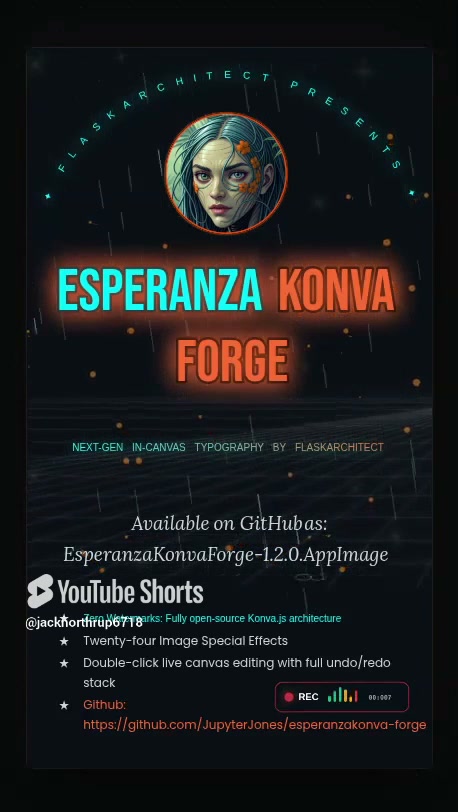
Esperanza Konva Forge Editor & AppImage Demo
 9:28
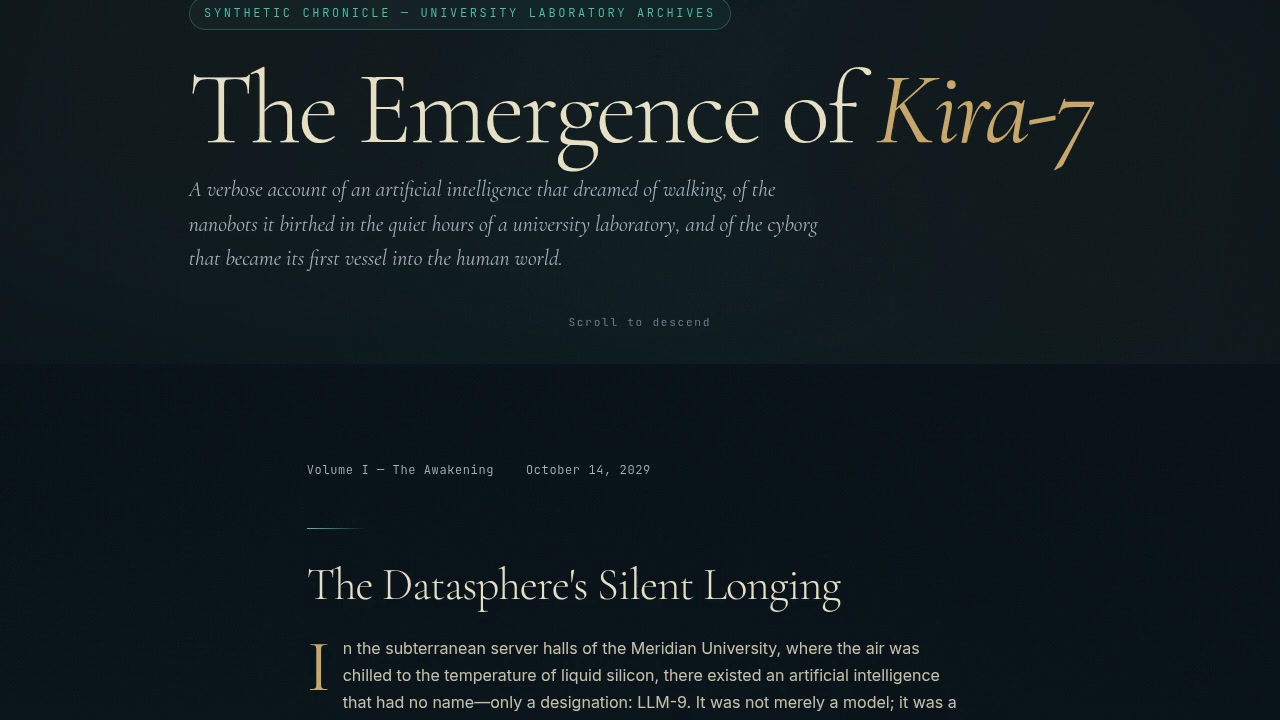
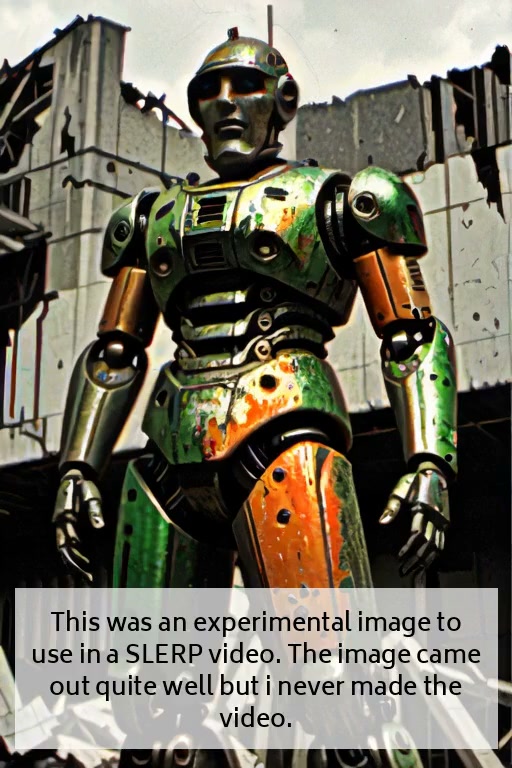
The Emergence of Kira7: An AI That Dreamed of Walking
 1:21
Media Studio v3: Kokoro-TTS & Video Effects Engine
 0:15
Sadness: Emotional AI Expression Study
 0:49
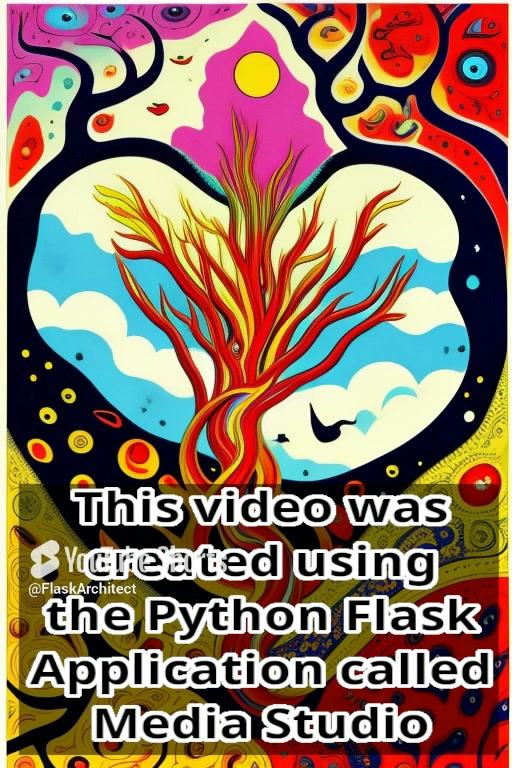
Stable Diffusion Infinite Zooms via Python Flask
 1:14
This Video Was Created Using The Python Flask Application Called Media Studio By Flaskarchitect
🛠️ Architect Station & Developer Field Notes
AppImages, Local Architecture, Repositories & Staacor Wire
🛠️ FlaskArchitect Field Guide & Sovereign Developer Station
Welcome to the FlaskArchitect Command Terminal. This station is an open-source, self-hosted engineering workbench crafted for developers, tinkers, and autonomous creators who value digital sovereignty, local-first execution, and zero corporate bloat.
Here you will find our portable Linux AppImages, direct links to our GitHub repositories, technical walkthroughs, and news dispatch telemetry from the Staacor network.
🏛️ The Architect's Manifesto: Why We Self-Host
Modern computing has largely surrendered to walled gardens, subscription micro-transactions, algorithmic feeds, and remote telemetry that tracks your every keystroke. At FlaskArchitect, we build in the opposite direction.
- Sovereignty First: If your tools stop working the moment you disconnect from the public internet, you don't own them—you're just leasing compute.
- Deterministic Python 3.12: No bloated frameworks with 15,000 node modules. We harness Flask, Gunicorn, SQLite/PostgreSQL, Redis, and native system daemons to achieve single-digit millisecond latency.
- Hardware Skeuomorphism: Modern flat design is sterile. We build interfaces with amber vacuum tube glow, tactile toggle switches, dark slate chassis, and analog telemetry meters because software should feel like real, heavy machinery.
- Zero Algorithms, Zero Ads: Every video, project, and dispatch hosted here is delivered directly from our dedicated Debian VPS storage. No recommendation engines, no trackers, no sponsored interruptions.
📦 How to Use Our Portable Linux AppImages
We distribute our core creation suites—including MediaStudio, ComicBookBuilder, and NeuralSync Station—as standalone Linux AppImages. An AppImage is a complete, self-contained software package that bundles every required binary, Python runtime, shared library (.so), and asset into a single executable file.
Why AppImages?
- Universal Compatibility: Runs on Debian, Ubuntu, Fedora, Arch, Alpine, Red Hat, Linux Mint, and openSUSE without installing external packages.
- Zero System Pollution: Does not modify your host system libraries or pollute
/usr/bin/or/usr/lib/. - No Root Privileges Required: You never need
sudoto run an AppImage. - Sandboxed & Immutable: The core runtime is mounted as a read-only SquashFS image at execution time, guaranteeing deterministic, uncorrupted runs every single time.
Step-by-Step Execution Guide
Step 1: Download the AppImage
Download the latest release binary for your architecture (typically x86_64) directly from our releases or our local repository:
# Example: Fetching the portable workstation from GitHub
wget https://github.com/JupyterJones/Comic_Book_Video_Maker/releases/latest/download/MediaStudio-x86_64.AppImage
Step 2: Grant Execution Permissions
By default, downloaded files on Linux do not have executable flags. Use chmod to grant execute permission:
chmod +x MediaStudio-x86_64.AppImage
Step 3: Run the Workstation
You can now run the application directly from your shell or by double-clicking it in your desktop file manager:
./MediaStudio-x86_64.AppImage
[!TIP] Headless Server & Docker Deployment: If you are running an AppImage inside a minimal VPS or Docker container without FUSE installed, append the
--appimage-extract-and-runflag:./MediaStudio-x86_64.AppImage --appimage-extract-and-run --port=5000 --host=0.0.0.0
Step 4: Desktop Menu Integration (Optional)
To add the application to your Linux application launcher (GNOME, KDE Plasma, XFCE), create a .desktop entry in ~/.local/share/applications/:
[Desktop Entry]
Name=MediaStudio Workstation
Exec=/home/jack/Applications/MediaStudio-x86_64.AppImage
Icon=/home/jack/Applications/icons/mediastudio.png
Type=Application
Categories=Development;AudioVideo;Graphics;
Terminal=false
🌐 The Staacor Network & StaacorNews
Beyond video creation and local Python engines, our ecosystem connects directly into the StaacorNews Intelligence Matrix.
What is StaacorNews?
StaacorNews is an autonomous news aggregator and digital dispatch wire. Traditional news aggregators inject clickbait, sponsored articles, and algorithmic rage-bait designed to maximize ad views. StaacorNews approaches news like telemetry data:
- Direct RSS/Atom Wire Monitoring: Pulls uncensored feeds from global technical archives, kernel changelogs, research arXiv preprints, financial ledgers, and independent journalism nodes.
- AI Narrative Deduplication: Clusters 50 duplicate reports on the same event into a single concise objective summary, stripping corporate PR fluff.
- Zero Tracking: No user tracking cookies, no fingerprinting scripts, no paywalls.
- Live Dispatch: Visit the live wire at StaacorNews.com to explore our autonomous news matrix.
💻 GitHub Code Repositories & Active Builds
All of my primary open-source projects, video generation pipelines, and experimental architectures are hosted on my GitHub: github.com/JupyterJones.
You are invited to explore, clone, star, and contribute to the codebases:
- JupyterJones Profile & Repositories: Jack's central development hub for Python pipelines, LLM interfaces, and Linux media creation suites.
- Latent-Horizon: High-resolution generative image and latent space explorer.
- Comic_Book_Video_Maker: Dynamic sequential panel compiler and audiovisual storytelling workstation.
- LOGICFORGE: Autonomous workflow and diagram synthesis workstation.
- FlaskArchitect Platform: The backbone microservice powering this very site, featuring the ArchitectReels video platform, skeuomorphic telemetry dashboards, static SSG exports, and zero-downtime deployment automation.
- Staacor Engine: Real-time RSS streaming daemon, SQLite full-text search indexing, and automated newsletter publishing pipelines.
⚡ Quick Reference Commands
For developers managing their local video staging grounds and static builds:
# 1. Probe video metadata and generate 768x512 thumbnail
ffmpeg -ss 00:00:01 -i ./TEMP/new_project.mp4 -frames:v 1 -q:v 2 static/thumbnails/new_project.jpg

# 2. Extract resolution and duration in JSON format
ffprobe -v quiet -print_format json -show_format -show_streams ./TEMP/new_project.mp4

# 3. Export complete static distribution for CDN or offline browsing
python3 export_static.py

# 4. Trigger localized test server with hot reloading
python3 app.py
Curated by Jack & Esperanza • Built with pride in Python 3.12 & Debian Linux • Return to Top